Editable is all you need.
Turn any document into a PowerPoint deck you can actually edit.
Give PPTNative a paper, a report, a web page or just a topic. Minutes later you download a real .pptx: native text, shapes and charts, the figures from your document, in your own style.
Real shapes, like the ones in the .pptx you download. Try dragging a box.








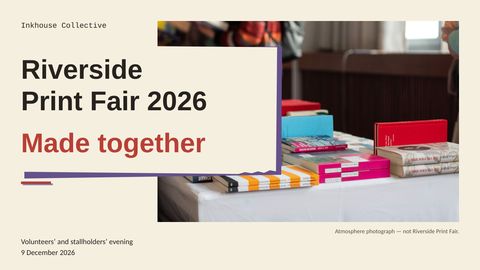
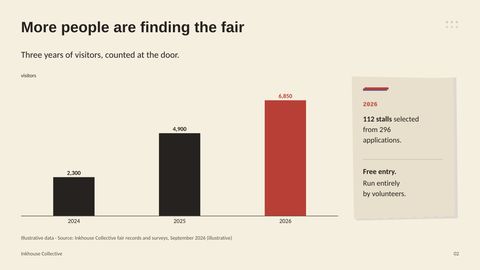
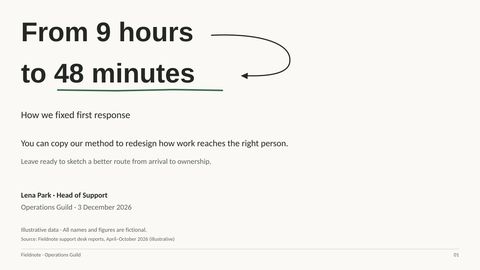


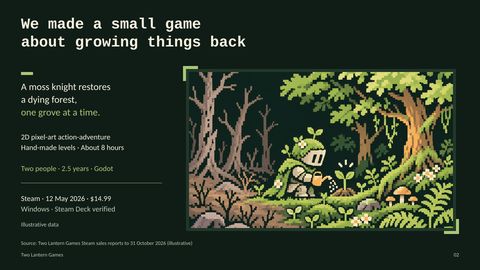













































From source to slides in three steps
You stay in control of what the deck says before a single slide is drawn.
Give it your content
Upload a document, paste a link, or describe a topic. Facts, numbers and figures come from your source, not from guesswork.
Review the outline
In about a minute you get the slide plan. Retitle, rewrite, reorder, add or delete slides until the story is right.
Download an editable deck
Every slide is drawn, checked and exported as a native .pptx. Open it in PowerPoint and change anything.
Made for decks that have to be right
Not screenshots of slides. Real PowerPoint objects, checked before you see them.
Natively editable
Titles, text boxes, shapes and charts are real PowerPoint objects. Nothing is a flattened picture.
Your figures, on the right slides
Diagrams, plots and tables are lifted from your PDF and placed where the deck discusses them, whole and uncropped.
Your own style
Upload a deck you like, as PowerPoint or PDF. Its colours, fonts, title placement and logos carry over to the new deck.
Outline first
Approve the story before any slide is drawn, so you never wait for a deck that says the wrong thing.
Checked before delivery
Each slide goes through a layout check for text spilling out of boxes or hidden under shapes, and problems found are repaired automatically.
English and Chinese
Use PPTNative in English or Chinese, and make decks in either language, whatever the language of your source.
Real output, straight from the generator
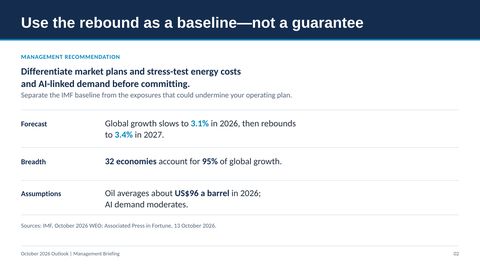
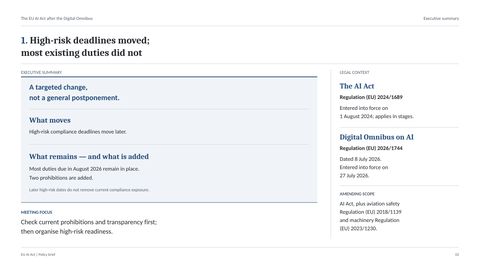
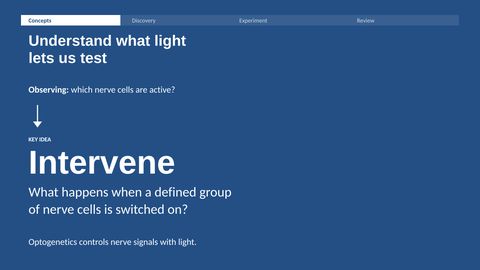
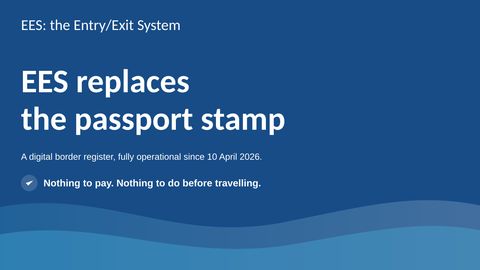
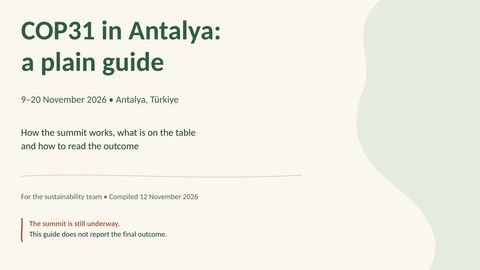
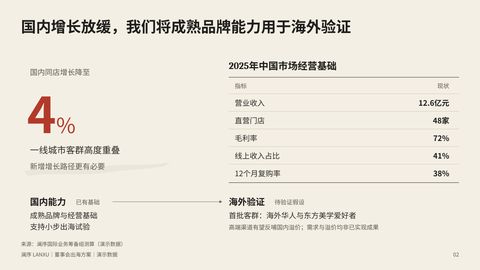
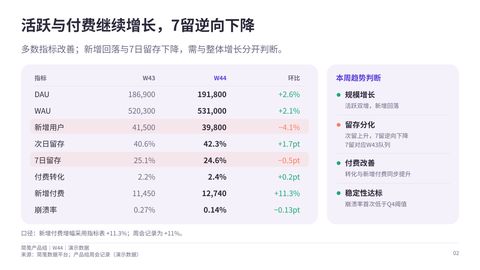
These slides were made by PPTNative and are shown unedited.
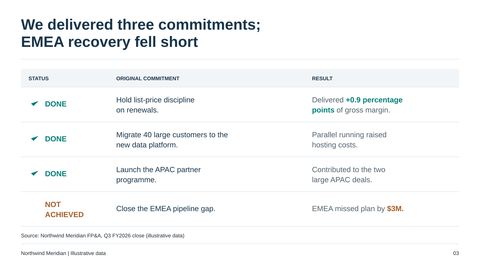
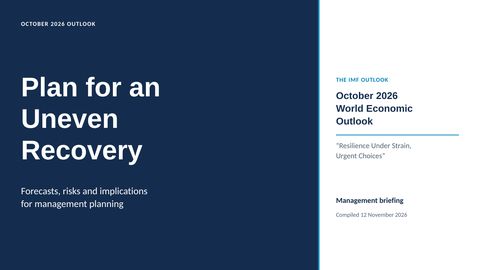
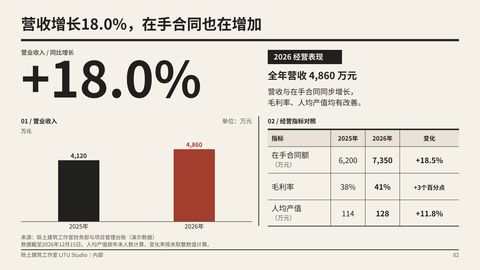
Quarterly business review: performance, drivers and decisionsSwiss Minimal · 14 slides
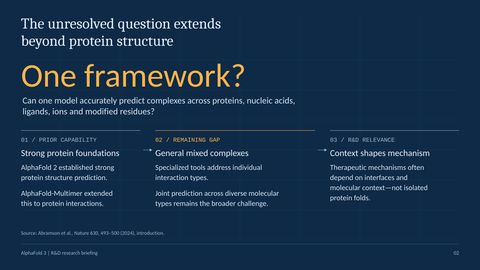
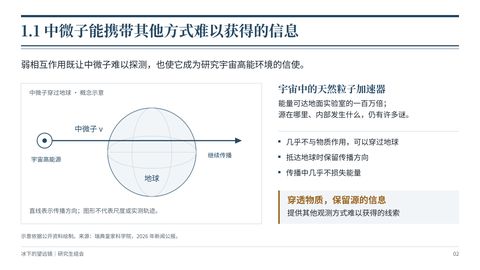
AlphaFold 3: a research briefing for biopharma R&D leadersBlueprint · 16 slides
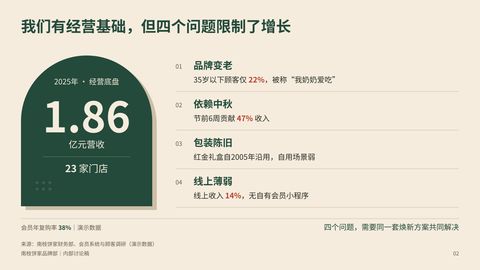
Campus sustainability: survey findings and action planPaper Cut · 12 slides
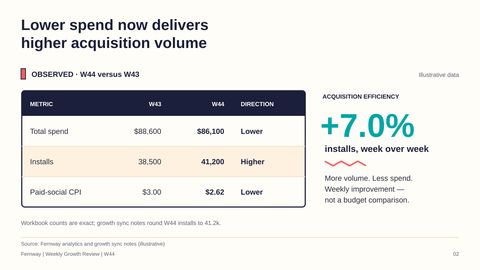
Weekly growth review: funnel, experiments and next actionsMemphis · 12 slides
Group AI transformation: a three-year investment plan for the boardSwiss Minimal · 14 slides
Internet product weekly: key metrics, project progress and next week's prioritiesSoft Rounded · 11 slides
See all 38 examples, with every slide and the .pptx
36 built-in looks, or your own
 Swiss Minimal
 Soft Rounded
 Dark Tech
 Editorial
 Paper Cut
 Sketch Notes
Research figures, as editable as your slides
Describe your technical roadmap, research framework or model architecture, or upload the proposal or paper that sets it out. You get one figure made of real PowerPoint shapes.
In the PowerPoint file the arrows are real connectors. Try dragging a block.
- Arrows that stay attached
Move a block in PowerPoint and its arrows move with it. They are real connectors, not loose lines.
- Your words, nothing added
The figure keeps your own terms and adds nothing you did not write. You review and edit its content before you take the file.
- Sized for where it goes
Laid out for an A4 page or a 16:9 slide, in type that is still readable once the figure is in your paper.
 Technical roadmap: low-cost air-quality sensing for small cities
Technical roadmap · from a description of 200 words
 Research framework: remote work, commuting and housing
Research framework in layers · from a description of 130 words
 Model architecture: crop yield from satellite images and weather
Model architecture · from a description of 128 words
Each was made by PPTNative from a research description invented for this page, and is shown unedited. Download the model architecture, drag a block in PowerPoint and watch its arrows follow.
Uploads are deleted as soon as your deck is made.
Decks are visible only to you and are removed after 30 days.
Stock photos are licence-checked and credited on the slide when required.
Pay for the slides you make
Start with 20 free credits. A deck that fails is never charged.
Make your next deck in minutes, then make it yours.
Start with 20 free credits. No card needed.
Start free